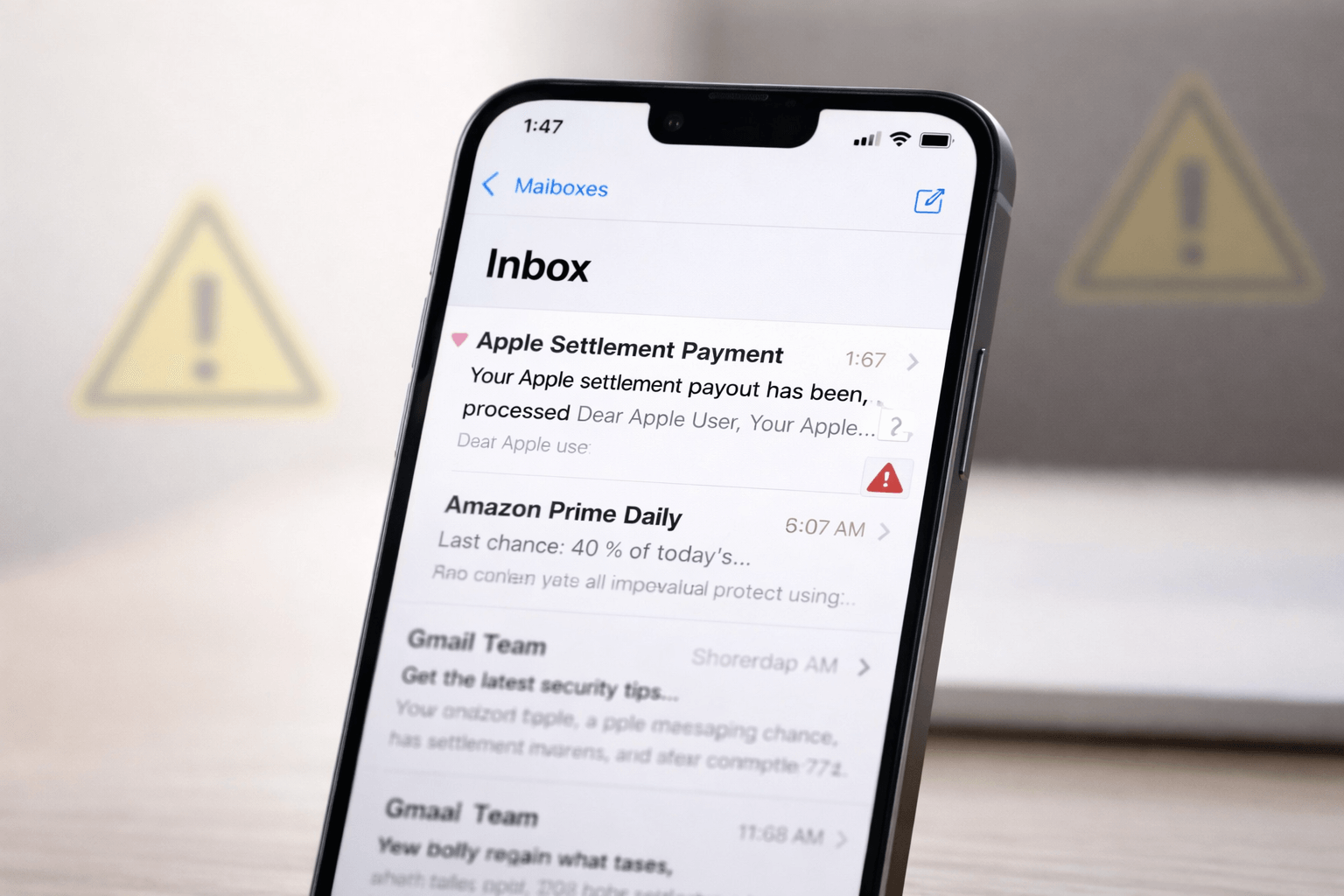
Apple users are increasingly searching for answers about Apple settlement payout phishing concerns, and for good reason. Emails claiming users qualify for settlement payments are landing in inboxes everywhere. Some look convincing. Others feel suspicious. All demand attention.
If you received an email promising money tied to Apple, pause before clicking anything. Scammers thrive on urgency, and settlement payouts create the perfect cover.
This article explains what is happening, how real settlement notices work, and how to avoid falling for phishing scams that target Apple users.
Why Apple Settlement Emails Trigger Phishing Concerns
Settlement payouts usually involve deadlines, claim forms, and official notices. Scammers copy that structure because it works.
An email that promises compensation instantly grabs attention. Add the Apple name, and credibility seems automatic.
That is the trap.
According to phishing on Wikipedia, attackers often impersonate trusted brands to trick users into sharing personal information. Apple remains one of the most impersonated companies worldwide.
How Real Apple Settlement Payouts Usually Work
Legitimate Apple settlement payouts follow a predictable pattern.
They come from verified settlement administrators.
They never demand passwords.
They do not ask for immediate action through random links.
Most importantly, Apple does not notify users about settlements through vague emails.
Apple clearly explains how it communicates with customers on its official site, including fraud warnings found on Apple Support’s phishing guidance.
If an email pressures you to act fast, that alone signals danger.
Common Red Flags in Apple Settlement Payout Phishing Emails
Scam emails often share the same warning signs:
- Generic greetings like “Dear Apple User”
- Misspelled words or odd formatting
- Links that do not point to apple.com
- Requests for Apple ID credentials
- Claims your payout expires today
Real settlement notices never rush you.
Scammers always do.
Apple Settlement Payout Phishing Concerns and Email Spoofing
Email spoofing makes fake messages look legitimate. The sender name may say Apple, but the email address tells a different story.
Always check the sender’s domain carefully.
If the message does not come from an official source or a known settlement administrator, do not trust it.
Security researchers consistently warn that spoofed emails remain a primary delivery method for phishing attacks, especially those linked to financial promises.
Why Apple Users Are Prime Targets
Apple users tend to trust the brand. Scammers know this.
They also know Apple users care about privacy and security, which makes fear-based messages more effective.
We have seen similar tactics used in account recovery scams, including the wave of fake password alerts explained in Instagram password reset email attacks.
The method changes. The psychology stays the same.
How to Verify Whether an Apple Settlement Email Is Real
Follow these steps before taking any action:
- Do not click links inside the email
- Visit Apple’s official website directly
- Search for public settlement announcements
- Check trusted news coverage
- Contact Apple Support using official channels
If a settlement exists, information will be publicly available. Scammers rely on secrecy. Legitimate settlements do not.
What to Do If You Clicked a Suspicious Link
If you interacted with a suspicious email:
- Change your Apple ID password immediately
- Enable two-factor authentication
- Review account activity
- Run a security scan on your device
Apple explains account protection steps clearly on its official Apple ID security page.
Act quickly. Damage control works best when done early.
Why Awareness Matters More Than Ever
Technology scams evolve alongside legitimate updates. As connectivity improves and digital services expand, attack surfaces grow.
This pattern mirrors broader technology shifts discussed in 5G in 2026, where faster access also means faster threats.
Education remains the strongest defense.
Apple Settlement Payout Phishing vs Legitimate Consumer Alerts
Legitimate consumer alerts focus on clarity. They explain rights. They provide official references. They never threaten consequences.
Phishing emails focus on emotion. Fear. Urgency. Reward.
Once you recognize that difference, scams become easier to spot.
Final Advice for Apple Users
If an email promises money, slow down.
If it demands urgency, stop.
If it asks for credentials, delete it.
Apple settlement payout phishing concerns will continue as long as scams work. Staying informed keeps them from working on you.
FAQ Section
How do I know if an Apple settlement email is real
Check official Apple announcements and settlement administrator websites. Real emails never ask for passwords.
Why are there so many Apple settlement phishing emails
Scammers exploit trust in major brands and financial incentives to trick users.
Should I check my spam folder for Apple settlement emails
No. Legitimate settlement notices do not hide in spam folders.
What is the Apple settlement email about
Real settlements involve verified legal cases and public notices. Vague payout emails are likely scams.
How can I avoid Apple phishing scams
Never click suspicious links, verify sources independently, and use Apple’s official support channels.